11 — Slush game UI
Unicorn mode, ridable.
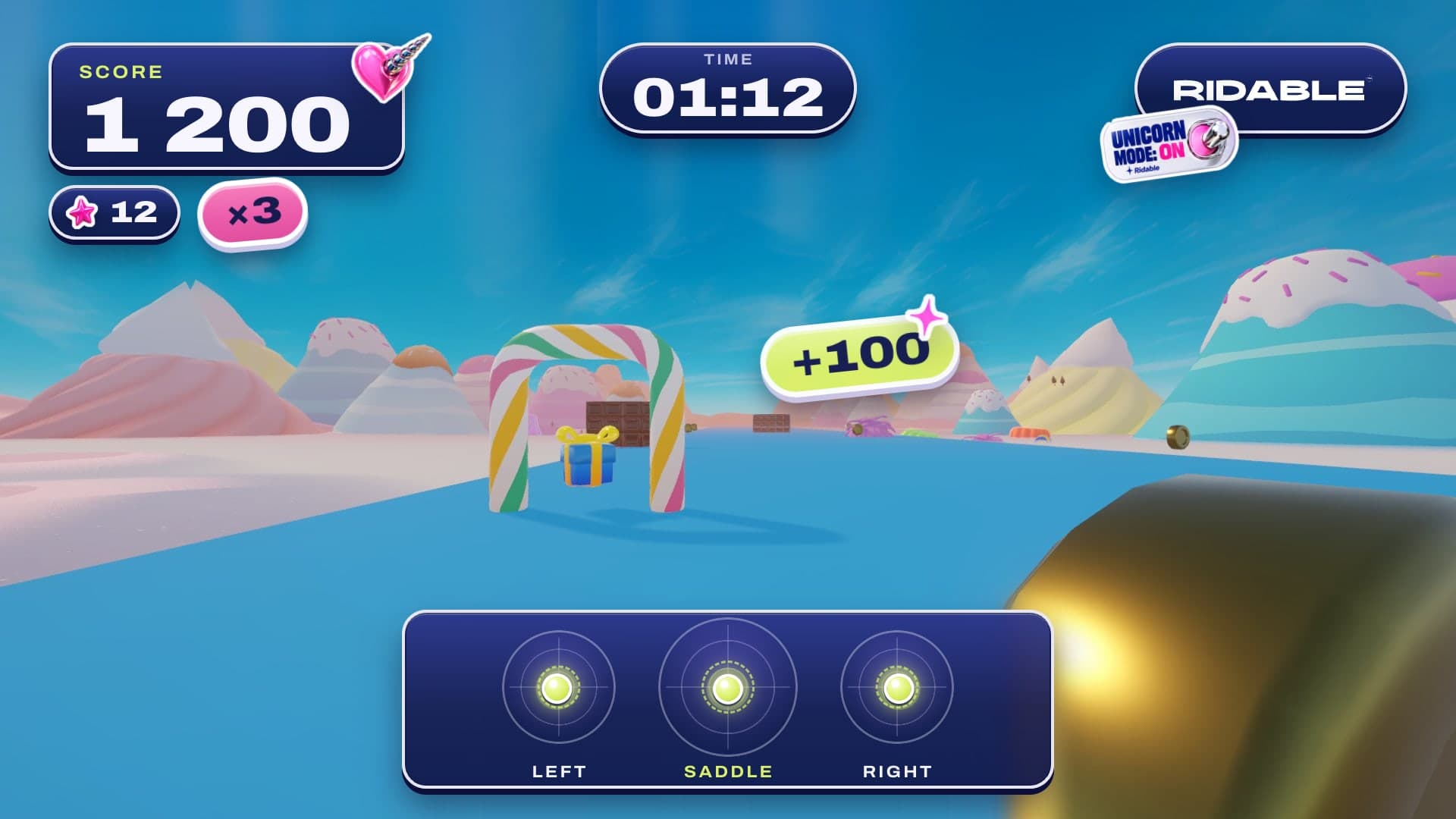
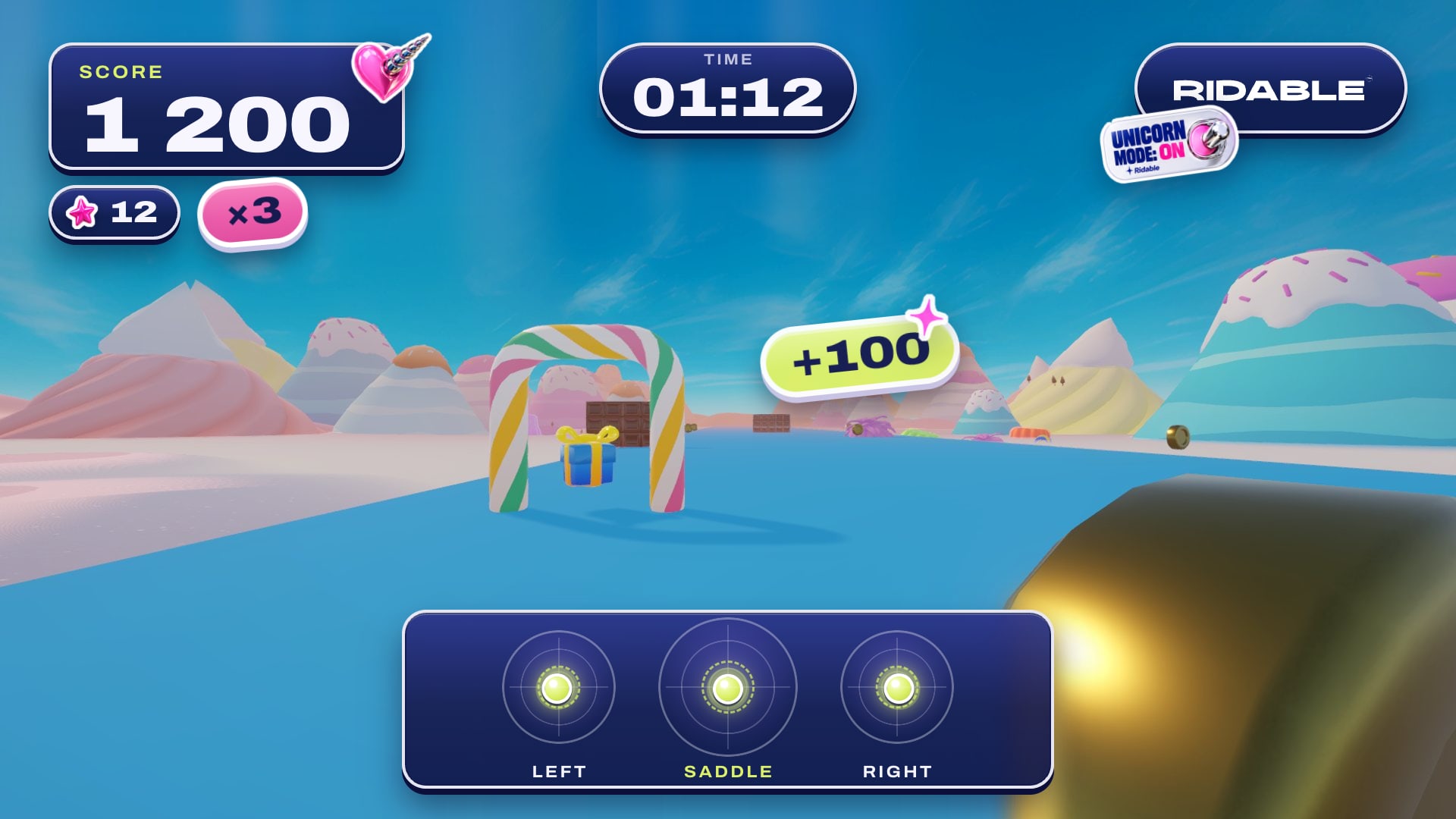
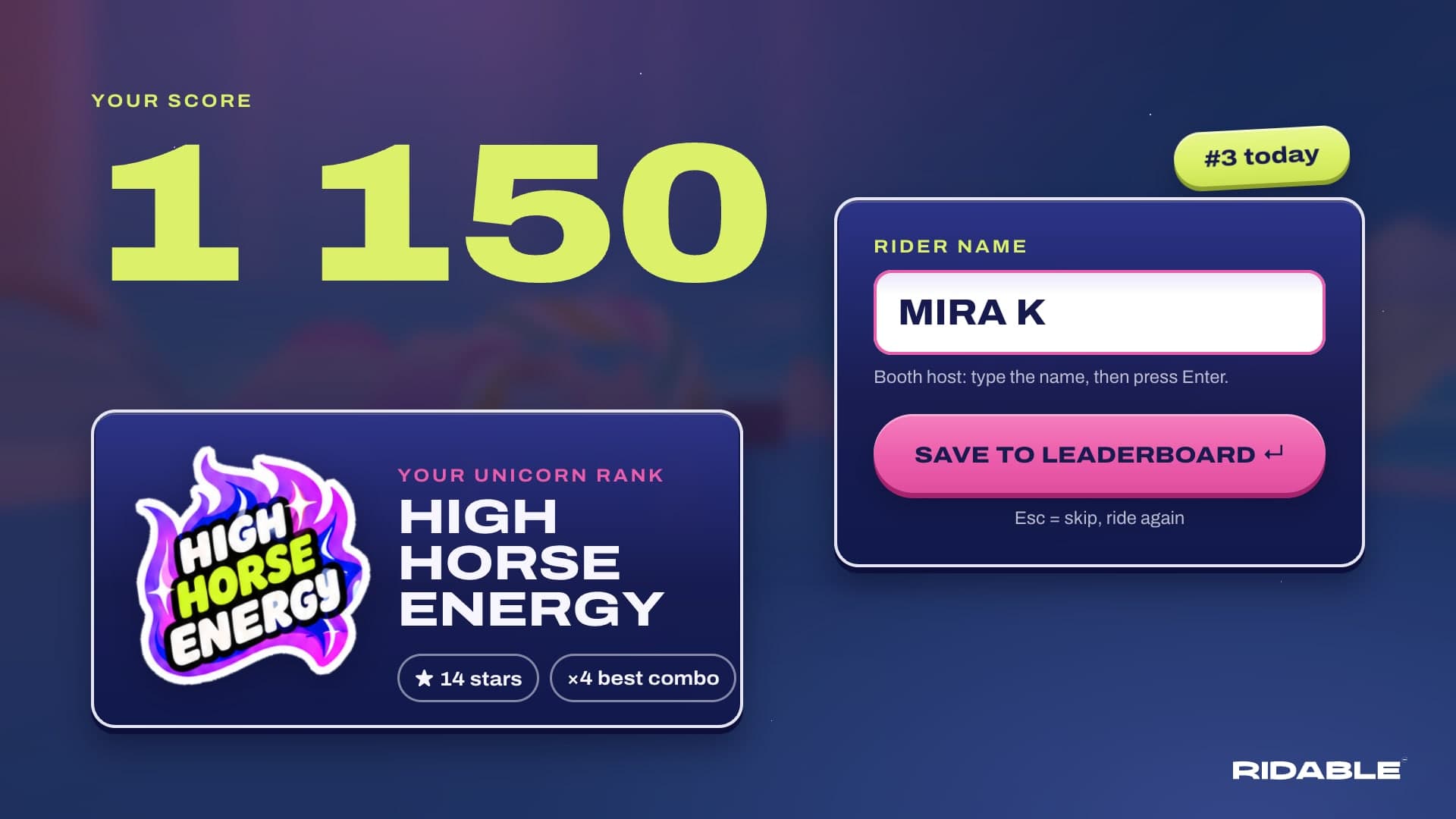
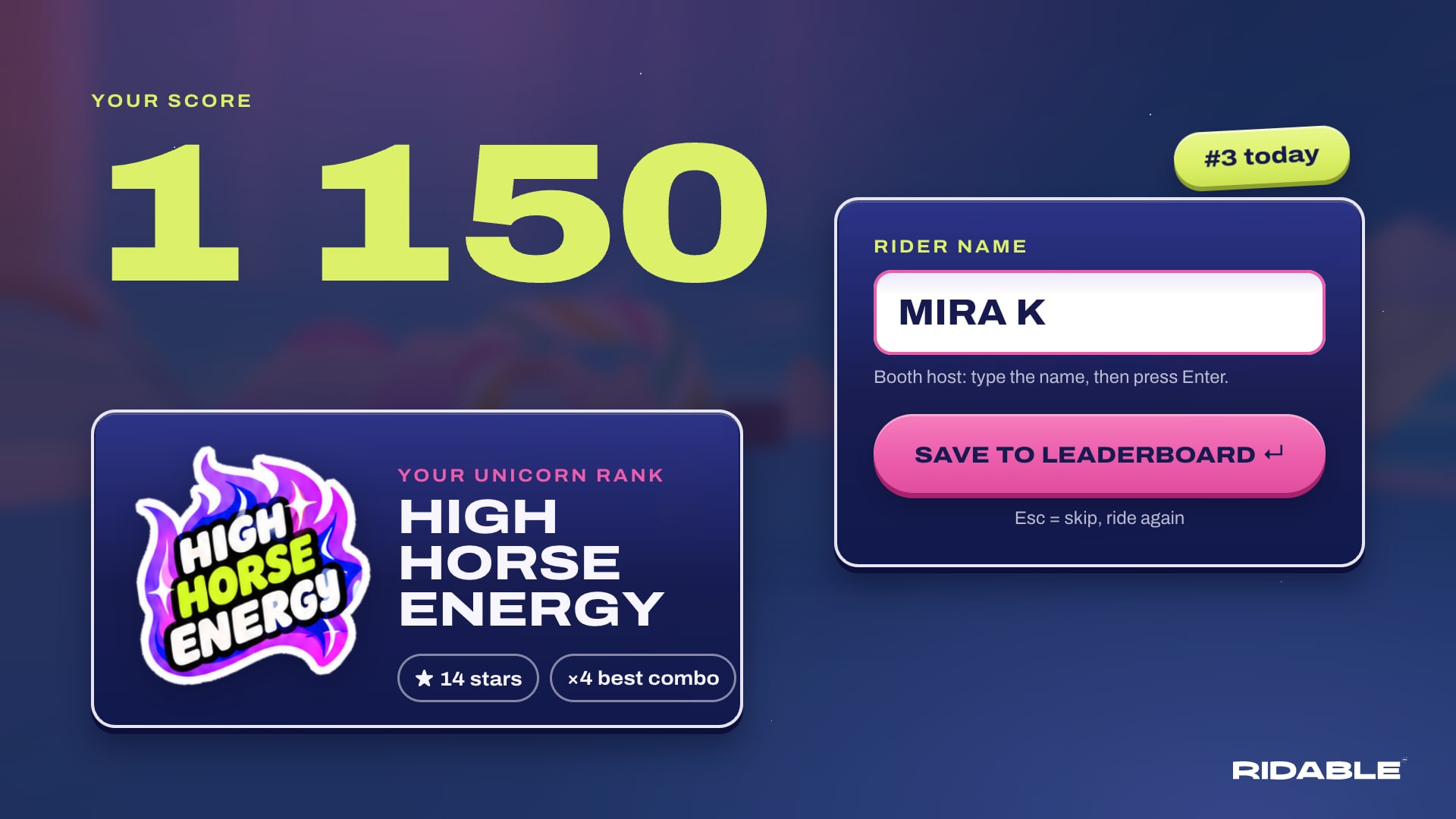
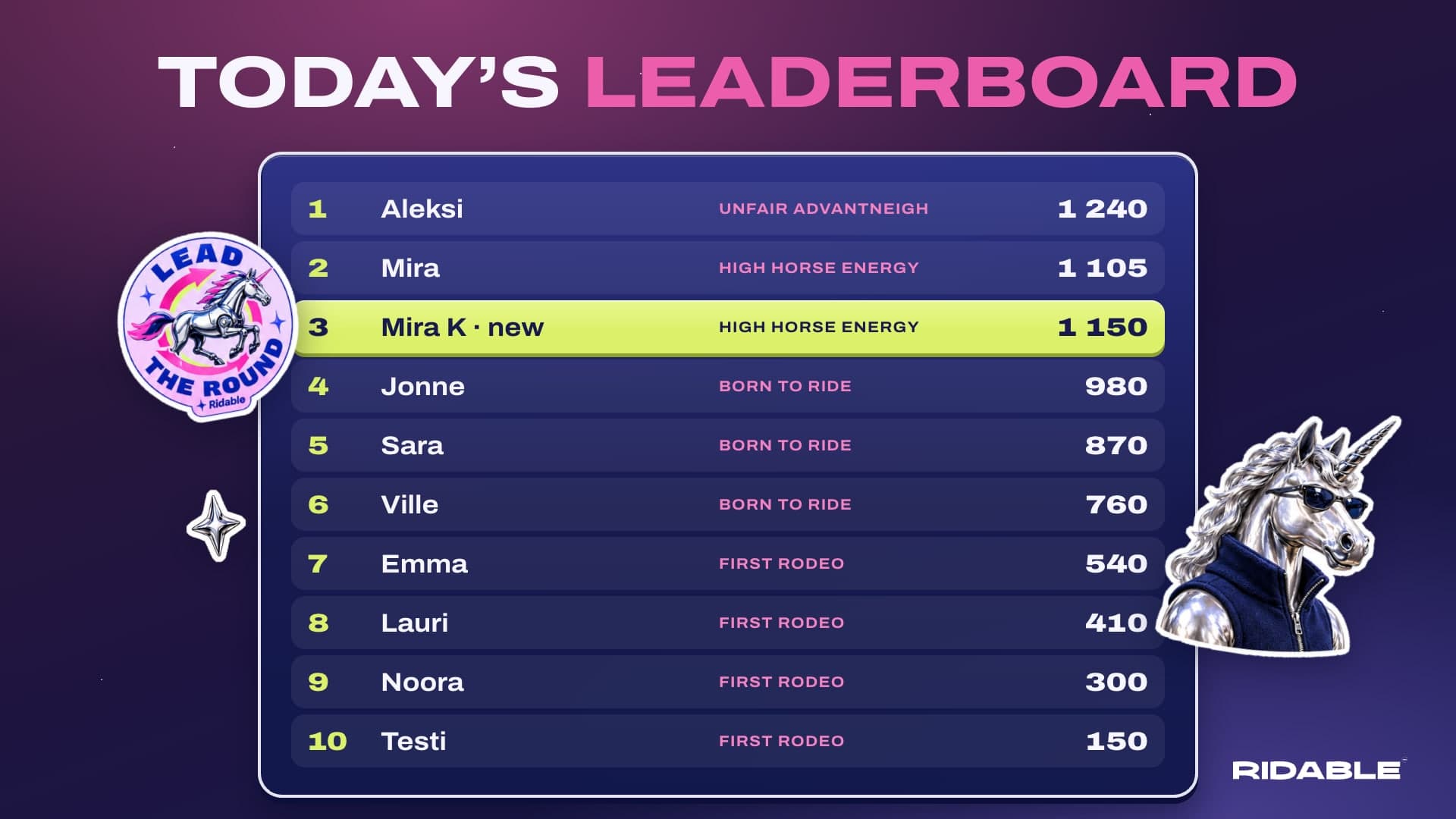
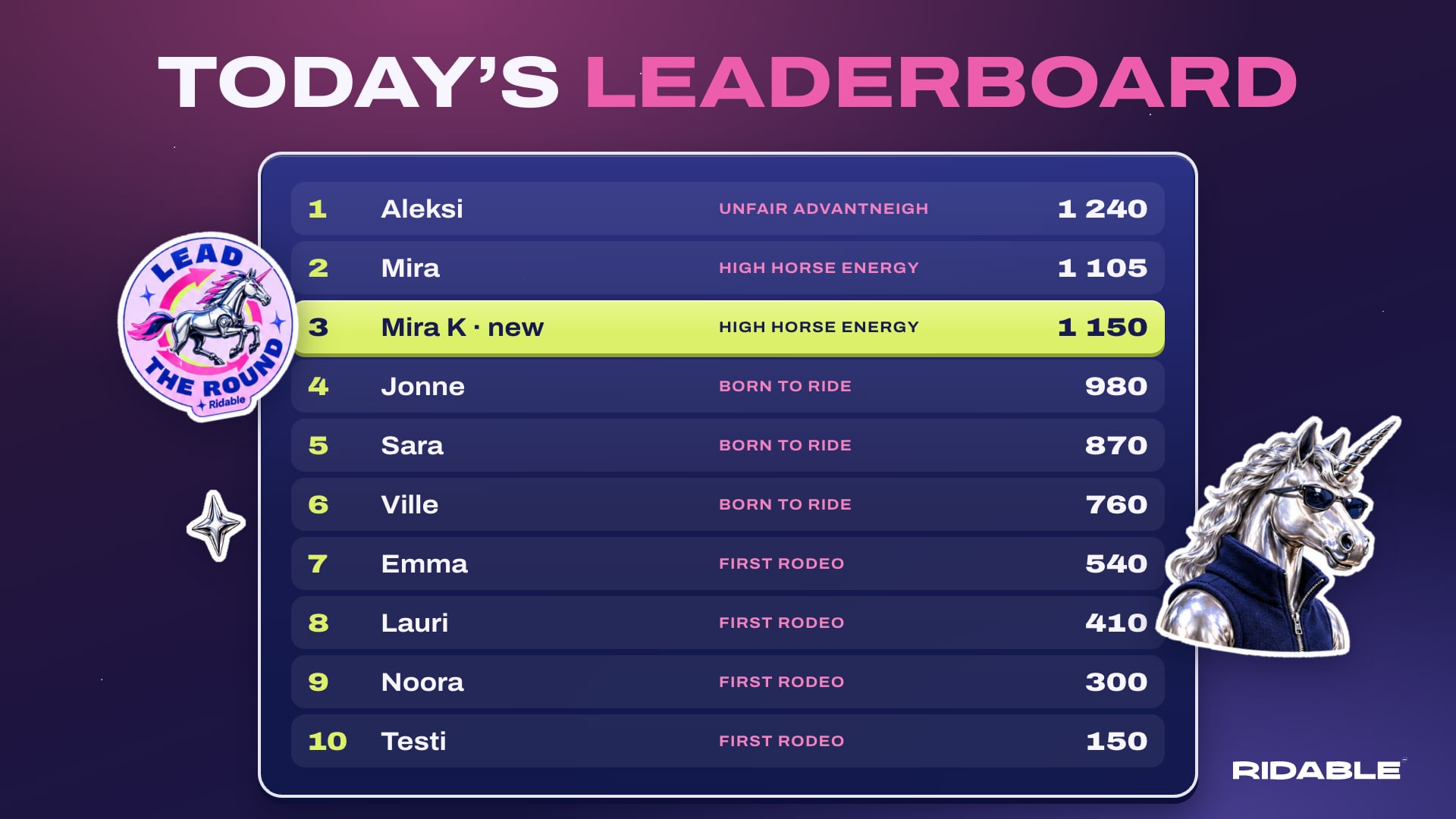
The interface for the 90-second Slush 2026 ride. It is ridable.com’s Unicorn mode, made playable: indigo panels, pink and lime accents, Archivo Expanded and chrome stickers with a real die-cut edge.
Everything here ships as a Unity kit for the game team. Download it below.
Try it
Downloads
| Package | Contents | Size | |
|---|---|---|---|
| Full Unity UI kit | Everything below plus fonts, SPEC.md and spec.json | 13.7 MB | Download ZIP |
| UI sprites | Panels, pills, chips, pads, countdown at 1x and 2x, with the spec | 3.5 MB | Download ZIP |
| Unicorn stickers | 20 die-cut sticker PNGs plus the white wordmark | 3.2 MB | Download ZIP |
| Screen renders | All 8 screens as 1920 × 1080 PNG | 6.8 MB | Download ZIP |
For Unity: start with SPEC.md inside the full kit. It covers canvas setup, 9-slice borders, TextMeshPro fonts, the balance-pad data contract and every animation.
The screens
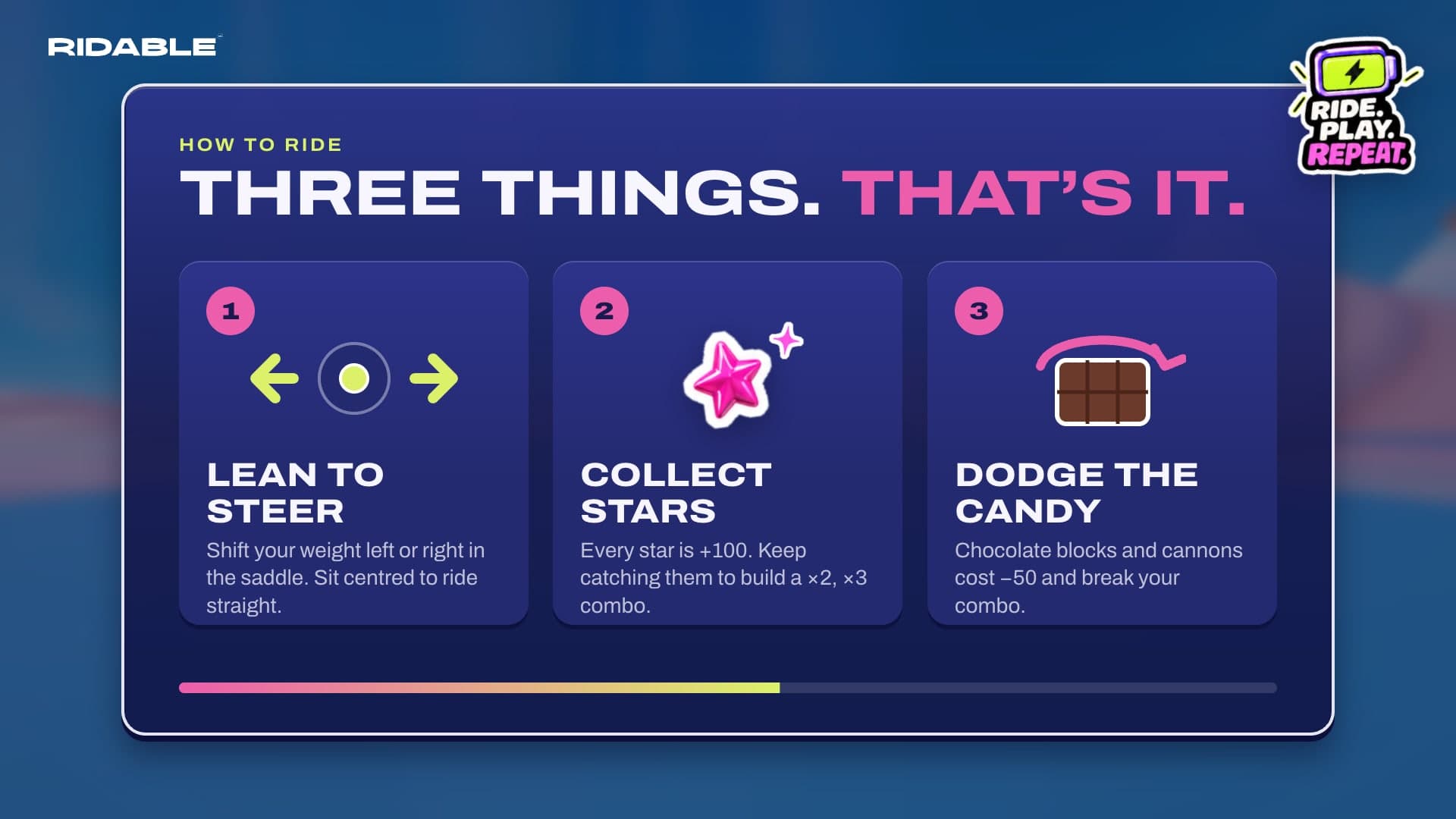
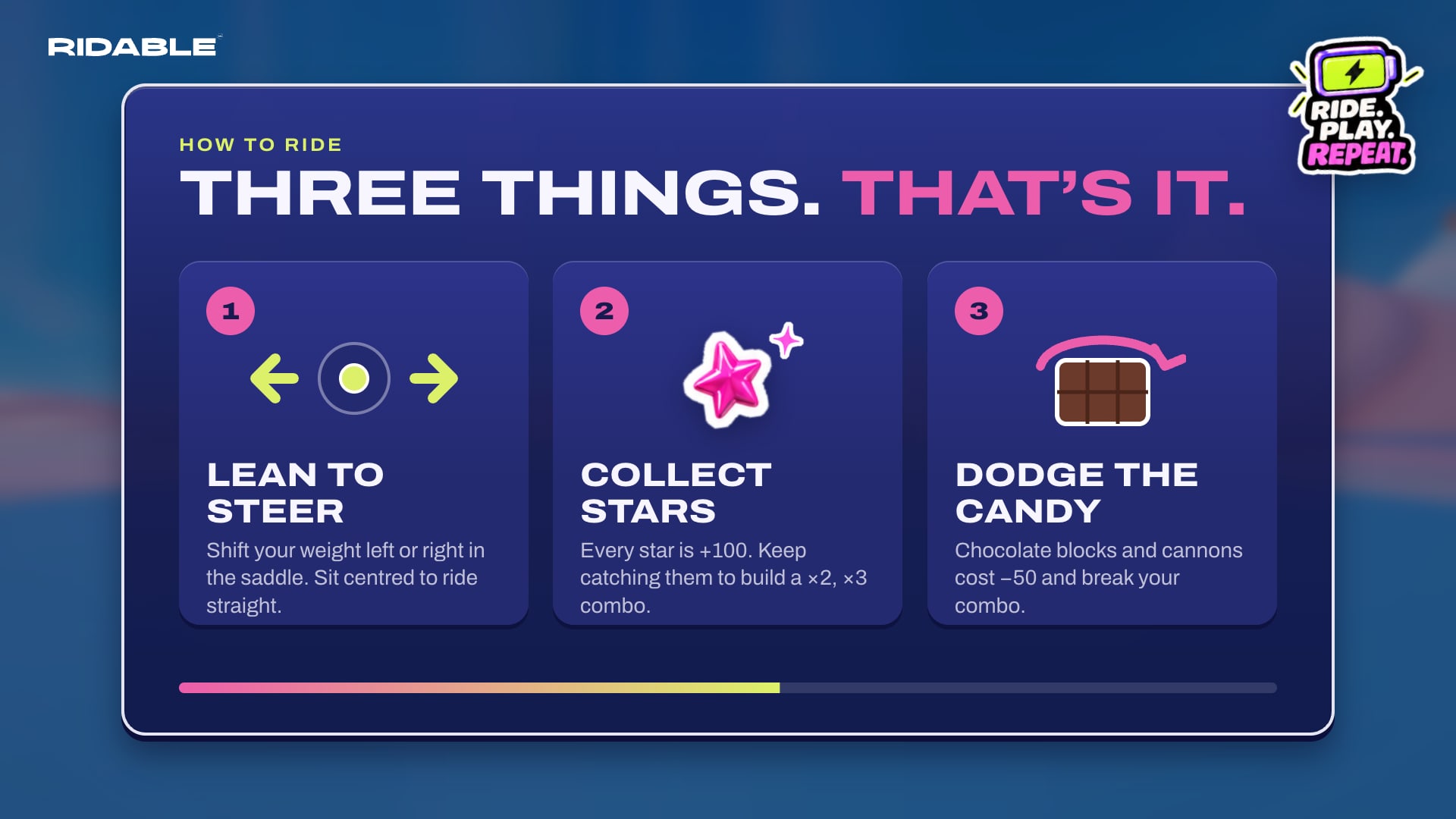
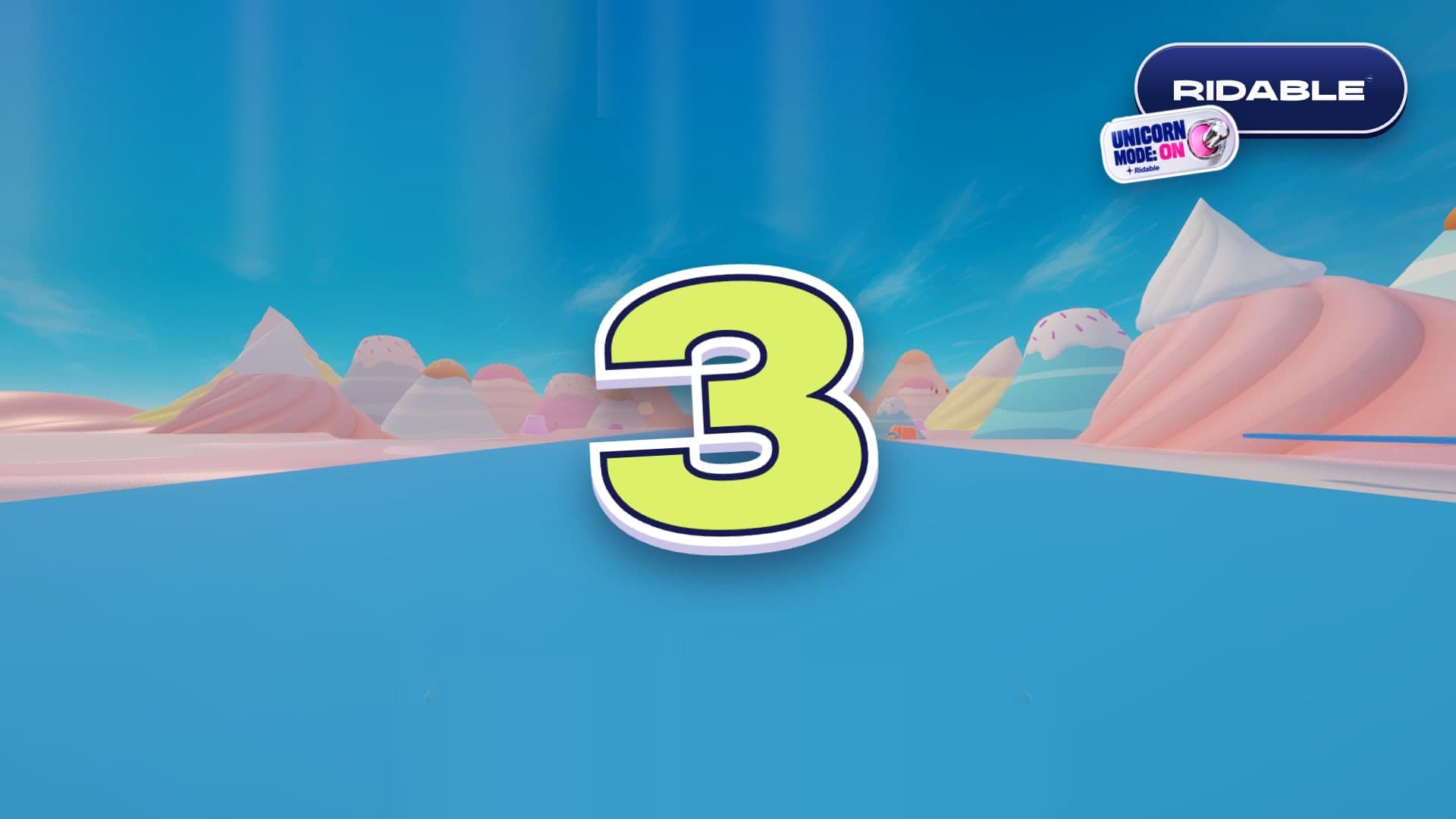
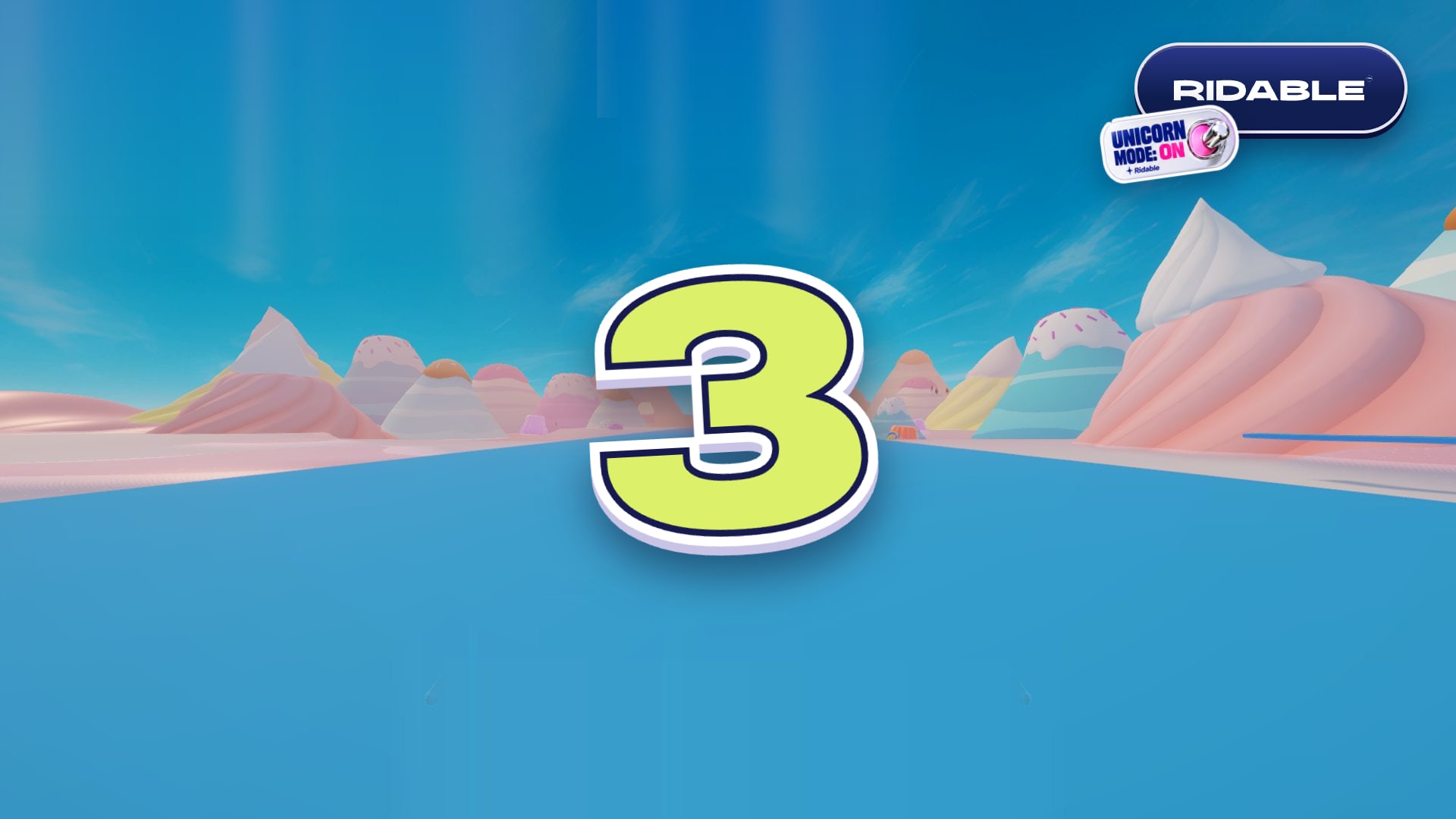
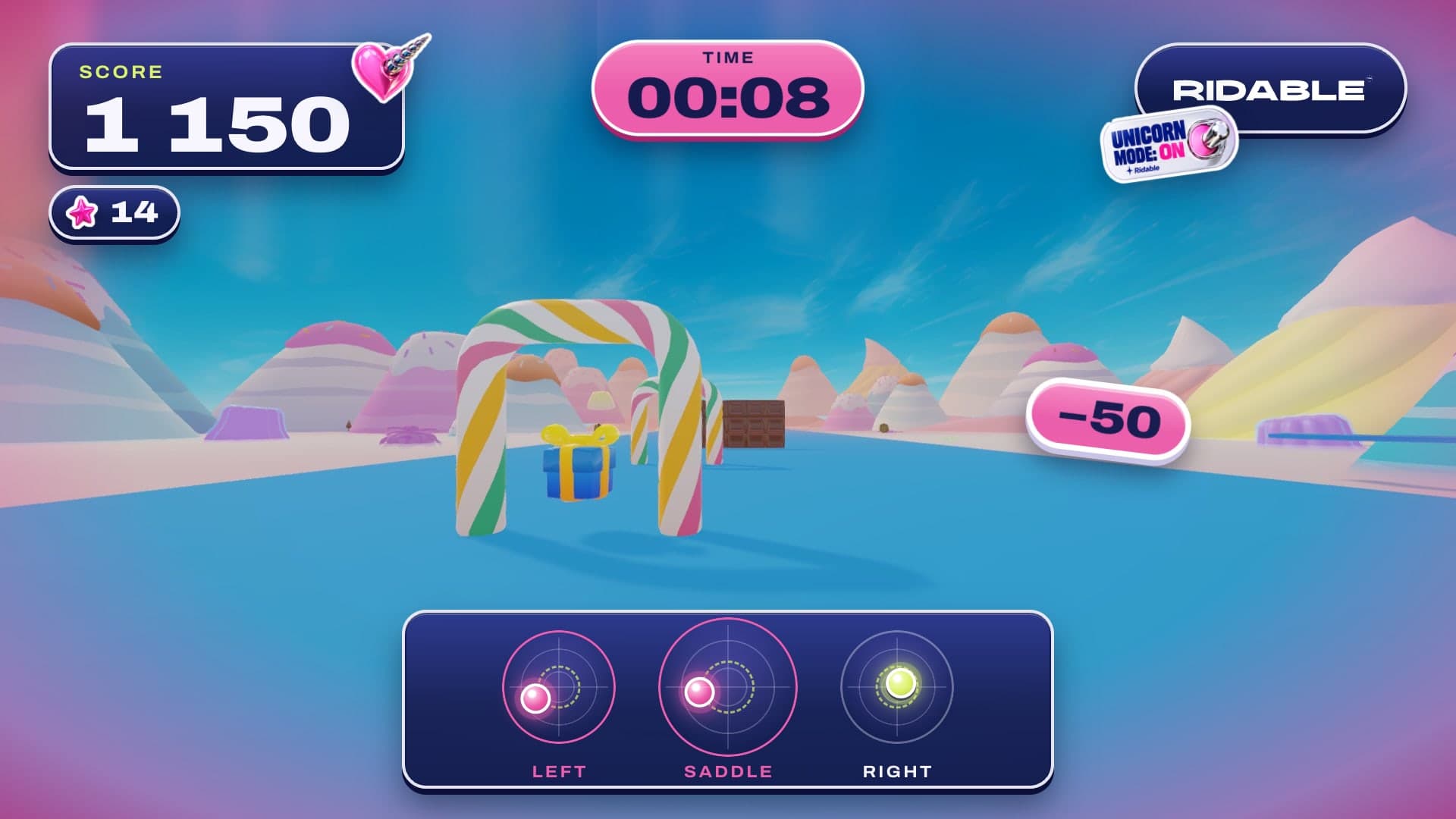
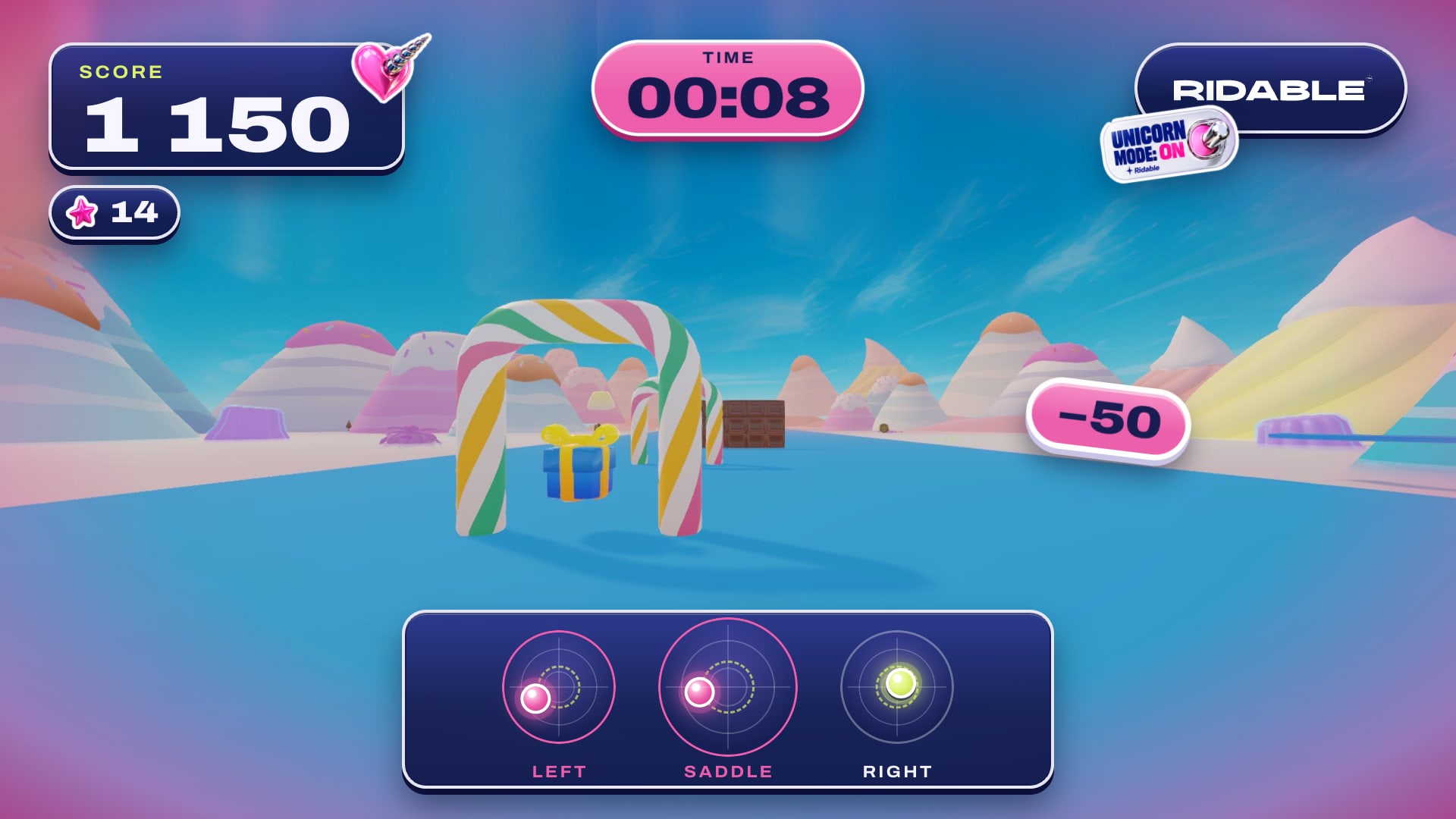
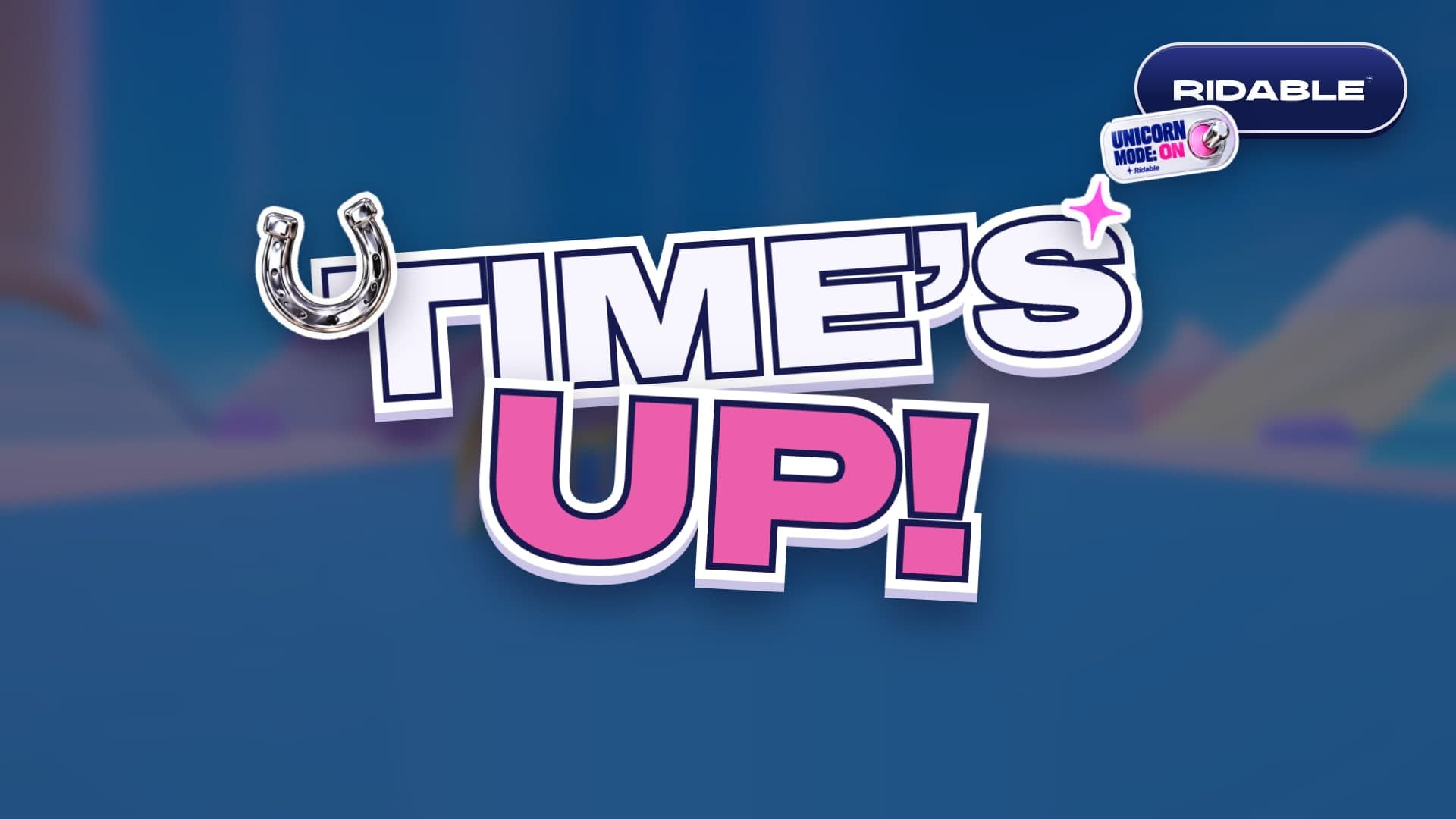
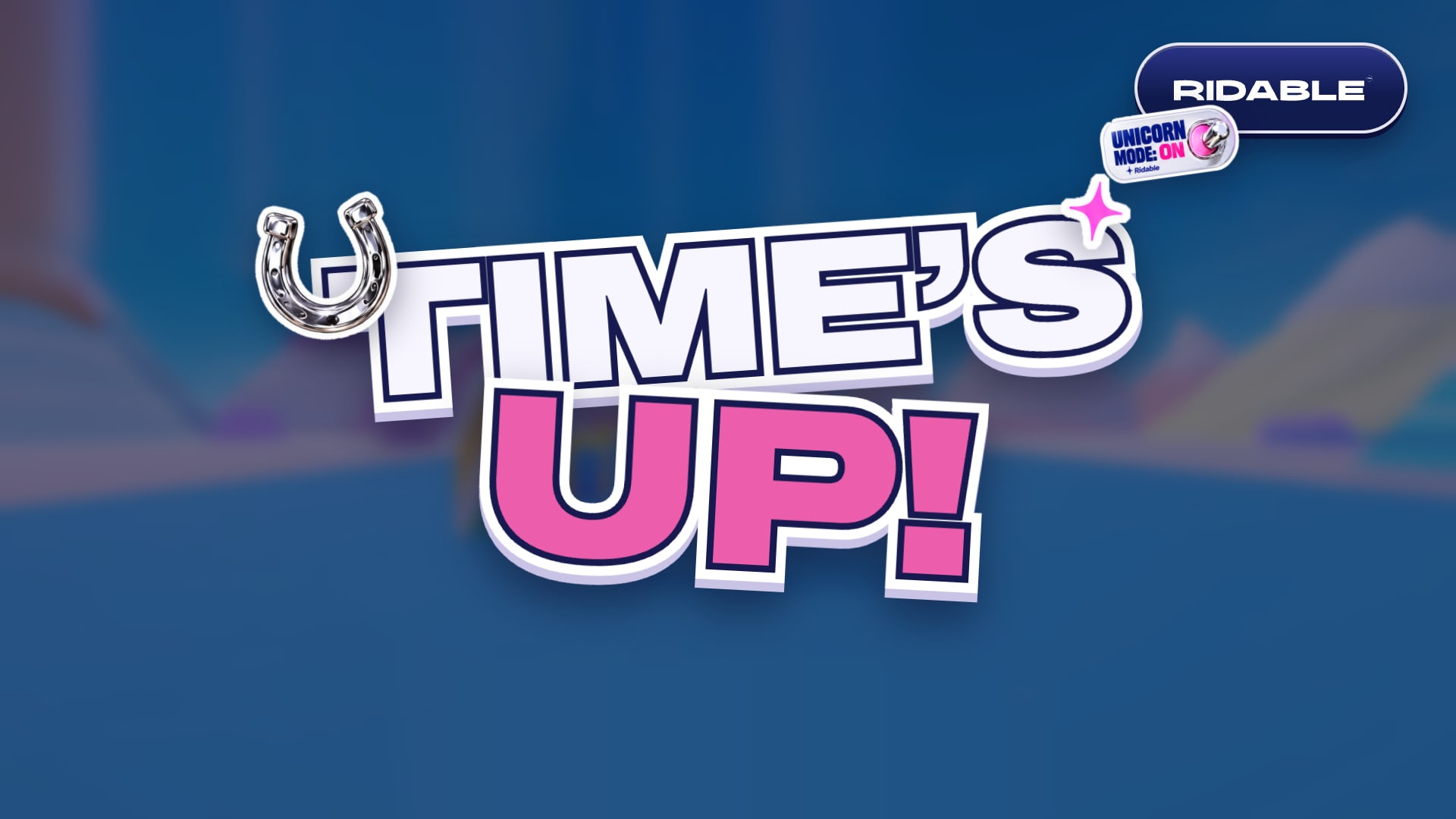
Brand on screen
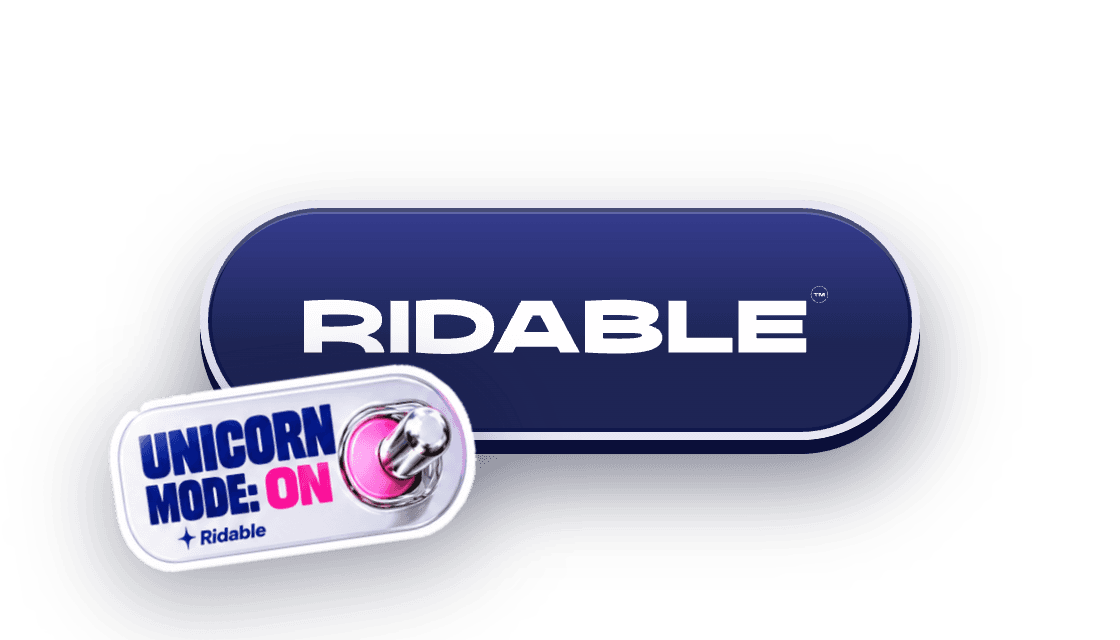
Brand plate: wordmark on solid indigo, with the Unicorn mode sticker
Always on
The brand plate sits top-right on every gameplay screen (countdown, ride, time’s up), so every photo or video of the booth screen carries the Ridable mark. Gameplay effects never cover it.
Wordmark only
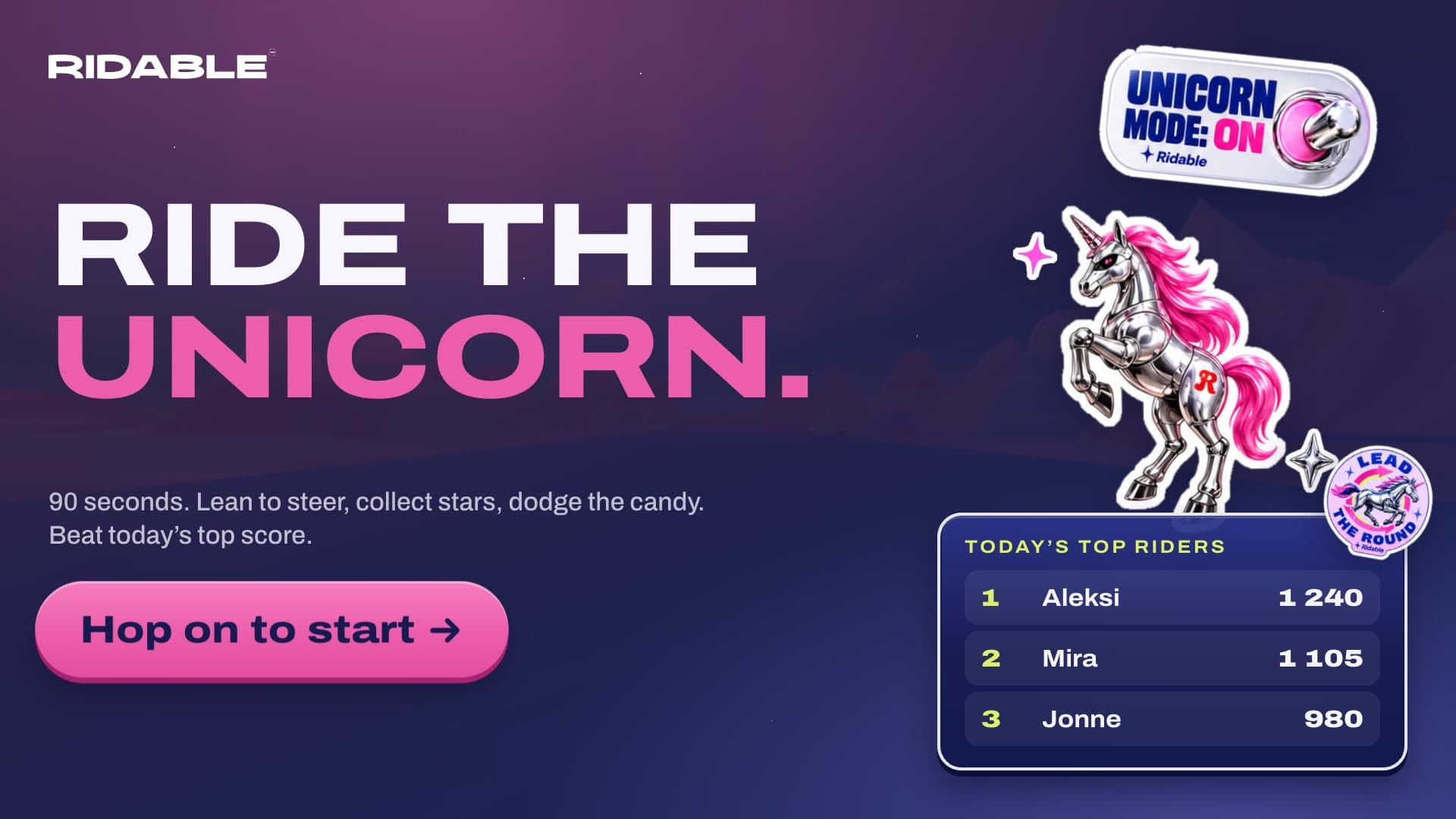
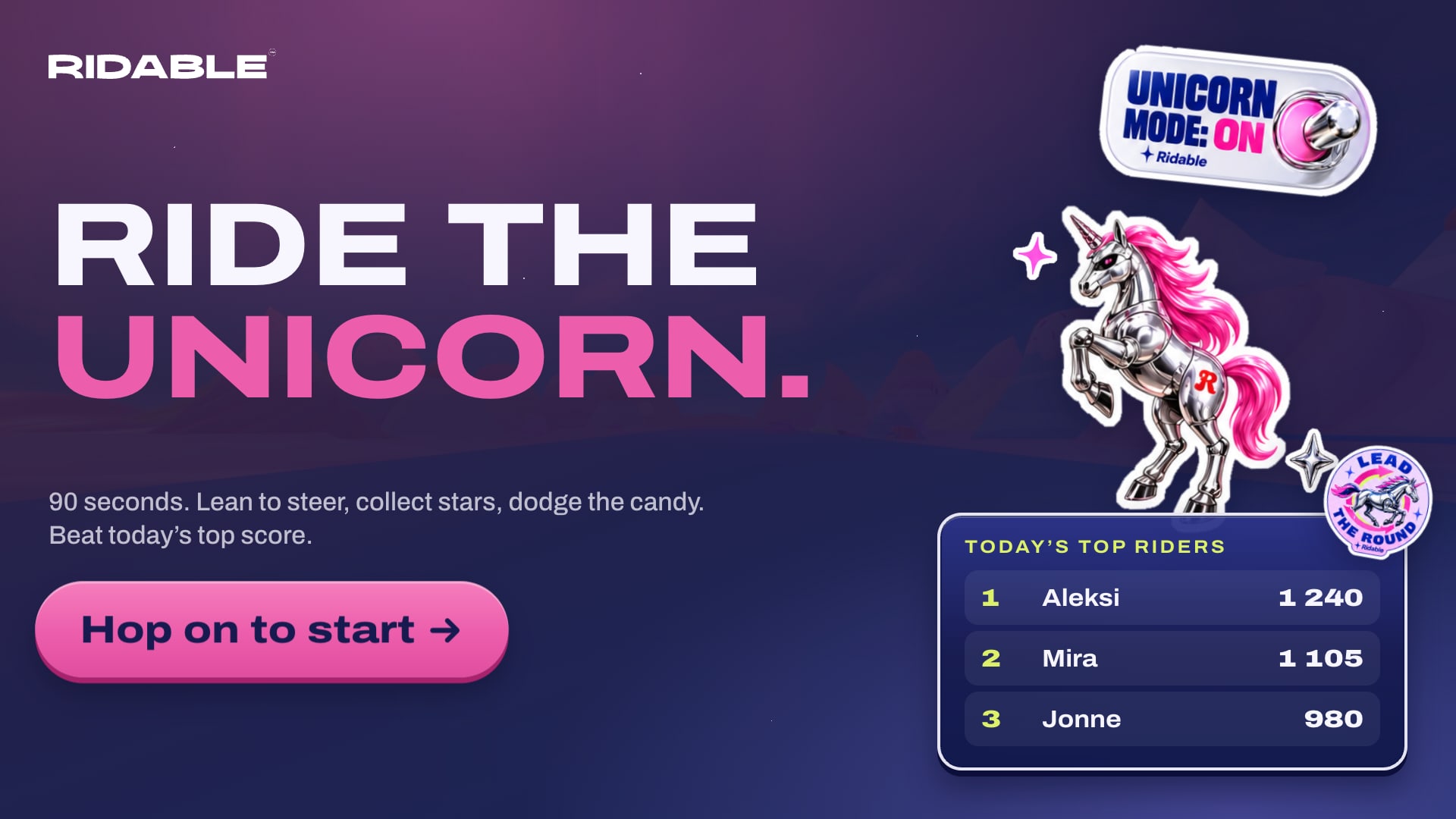
Off the ride, the white wordmark goes in a corner instead: top-left on Attract and How to ride, bottom-right on Results and Leaderboard. It always sits on solid indigo, never directly on the 3D world.
Safe area
Keep all UI 64 px from the screen edges at 1920 × 1080. Text the rider has to read mid-ride is 40 px or larger; labels are never under 20 px.
Unicorn palette
Unicorn mode is a campaign palette for Slush and the website’s Unicorn toggle. Everywhere else, the core Peach / Cream / Fire / Forest palette applies.
Depth: built like a sticker
Die-cut rim
Every panel, pill and chip has a 4–7 px white rim, the same edge as our stickers.
Gloss
A 2–3 px white highlight just inside the top edge. Fills run lighter at the top and settle into the base colour.
Thickness
A hard 6–8 px edge underneath in dark indigo, or a darker shade of the fill, so elements read like physical stickers.
Cast shadow
One soft shadow below everything: 20–30 px blur, indigo-black at 40–50%. Never coloured, never offset sideways.
Unicorn ranks
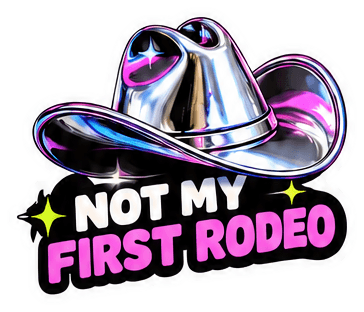
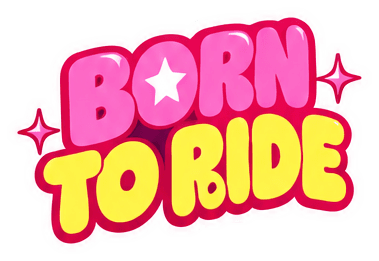
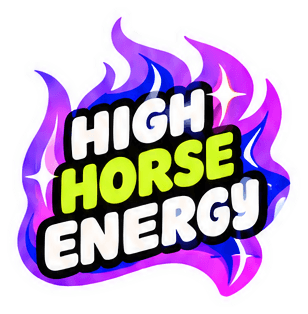
Every rider leaves with a rank title. Score thresholds are placeholders until playtesting.
Game motion
Slap
Stickers, countdown numbers and titles land like a sticker being slapped on: scale 1.6 → 0.96 → 1 with a small rotation, over 700 ms.
Pop
Panels, rows and cards scale in from 0.6, staggered 80–120 ms.
Float
Score feedback (+100, −50) rises 120 px and fades out over 1.4 s.
Pulse
Only for things asking for attention: the start button and the last 10 seconds on the timer.
Exception to the motion rules: spring motion is allowed here, and only here, because it is game feedback rather than a brand element. The Ridable logo itself never animates, bounces or rotates.